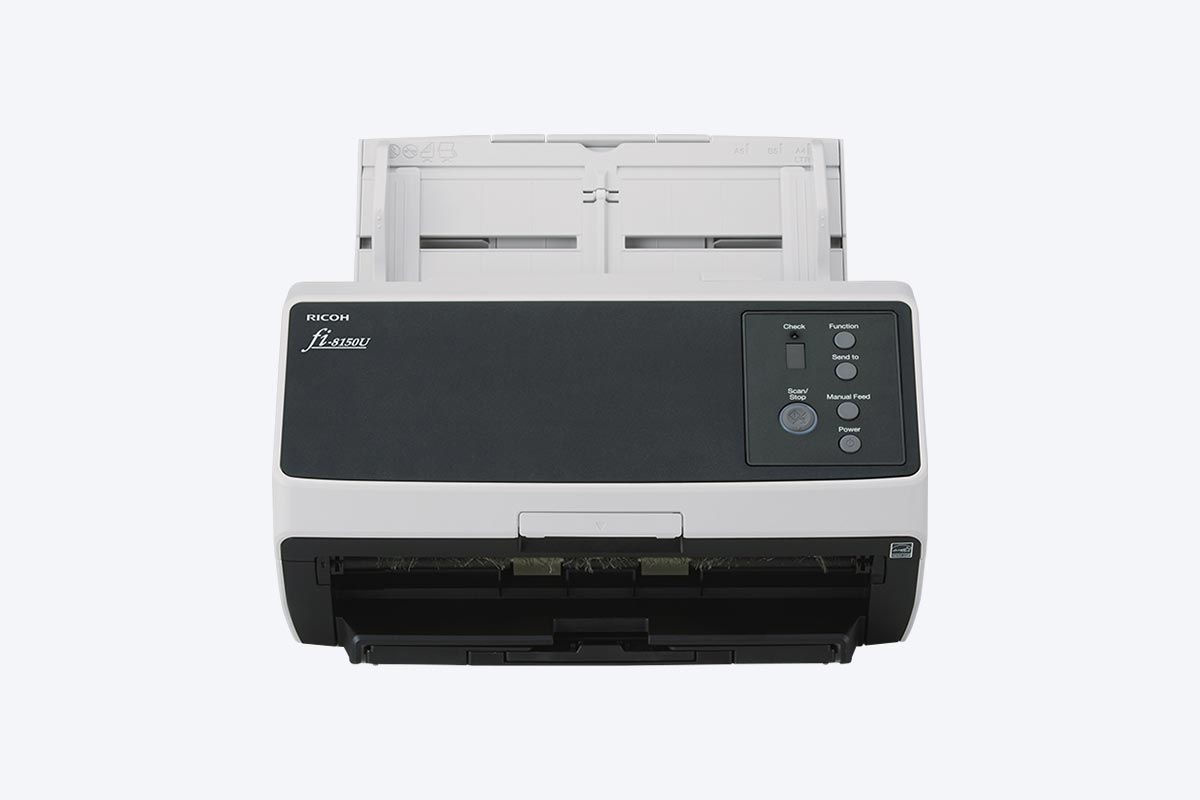
fi-8150U
Specifications
Specifications
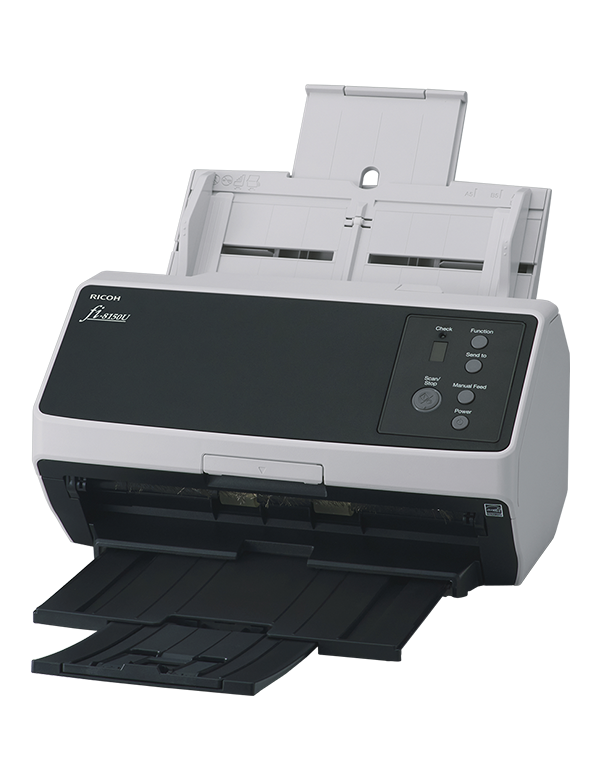
Product Name : RICOH fi-8150U
ADF (Automatic Document Feeder) / Manual Feed, Duplex
– Simplex: 50 ppm (200/300 dpi)
– Duplex: 100 ipm (200/300 dpi)
CIS x 2 (front x 1, back x 1)
50 to 600 dpi (adjustable by 1 dpi increments), 1,200 dpi (driver)*5
– Maximum*6: 215.9 x 355.6 mm (8.5 x 14 in.)
– Minimum: 48 x 50 mm (1.9 x 2 in.)
– Long Page Scanning: 6,096 mm (240 in.)
– Paper: 20 to 465 g/m² (5.3 to 124 lb)*7
– Booklet: Less than 7 mm (0.276 in.)*8
– Plastic Card: 1.4 mm (0.055 in.) or less*9
Image Monitoring
USB: USB 3.2 Gen1x1 / USB 2.0 / USB 1.1
– Sleep Mode: LAN: 2.0 W or less / USB: 1.4 W or less
– Auto Standby (Off) Mode: 0.2 W or less
– Temperature: 5 to 35 °C (41 to 95 °F)
– Relative Humidity: 15 to 80% (Non-condensing)
ENERGY STAR, RoHS
Windows 11*14, Windows 10*14, Windows Server 2022, Windows Server 2019, Windows Server 2016, macOS*15, Linux (Ubuntu)*15
PaperStream IP Driver (TWAIN/TWAIN x64/ISIS™), WIA Driver*16, Image Scanner Driver for macOS (ICA)*16*17, Image Scanner Driver for Linux (SANE)*17*18, PaperStream Capture, PaperStream ClickScan*17, Software Operation Panel, Error Recovery Guide, ABBYY FineReader for ScanSnap™*17, Scanner Central Admin Server
Multi image output, Automatic color detection, Blank page detection, Dynamic threshold (iDTC), Advanced DTC, SDTC, Error diffusion, Dither, De-Screen, Emphasis, Dropout color (None/Red/Green/Blue/White/Saturation/Custom), sRGB output, Hole punch removal, Index tab cropping, Split image, De-Skew, Edge filler, Vertical streaks reduction, Background pattern removal, Cropping, Static threshold
- Scanning speeds may vary due to the system environment. The values shown are the results of the evaluation under the following environment:
* Windows 10/CPU: Intel Core™ i3-10105 3.7GHz/Memory: 8GB/Storage: SSD - Indicated speeds are from using JPEG compression.
- Indicated speeds are from using TIFF CCITT Group 4 compression.
- Selectable maximum resolution may vary depending on the length of the scanned document.
- Limitations may apply to the size of documents that can be scanned, depending on system environment, when scanning at high resolution (over 600 dpi).
- Maximum document width possible for scanning is 240 mm (9.5 in.).
- Thicknesses of up to 128 to 209 g/m2 (34 to 56 lb) can be scanned for A8 (52 x 74 mm / 2.1 x 2.9 in.) sizes.
- Booklet scanning requires use of Booklet Carrier Sheets. Indicated thickness is inclusive of Booklet Carrier Sheet thickness.
- Continuous feeding is supported when scanning up to 10 unembossed cards with thicknesses of 0.76 mm or less.
- Maximum capacity depends on paper weight and may vary.
- Capable of setting additional documents while scanning.
- Numbers are calculated using scanning speeds and typical hours of scanner use, and are not meant to guarantee daily volume or unit durability.
- Excludes the ADF paper chute and stacker.
- fi Series scanners do not run with Windows 11 and 10 ARM-based PCs.
- Supports only USB connections.
- Functions equivalent to those offered by PaperStream IP may not be available with the Image Scanner Driver for macOS/Linux or WIA Driver.
- Refer to the fi Series Support Site for driver/software downloads and full lineup of all supported operating system versions.